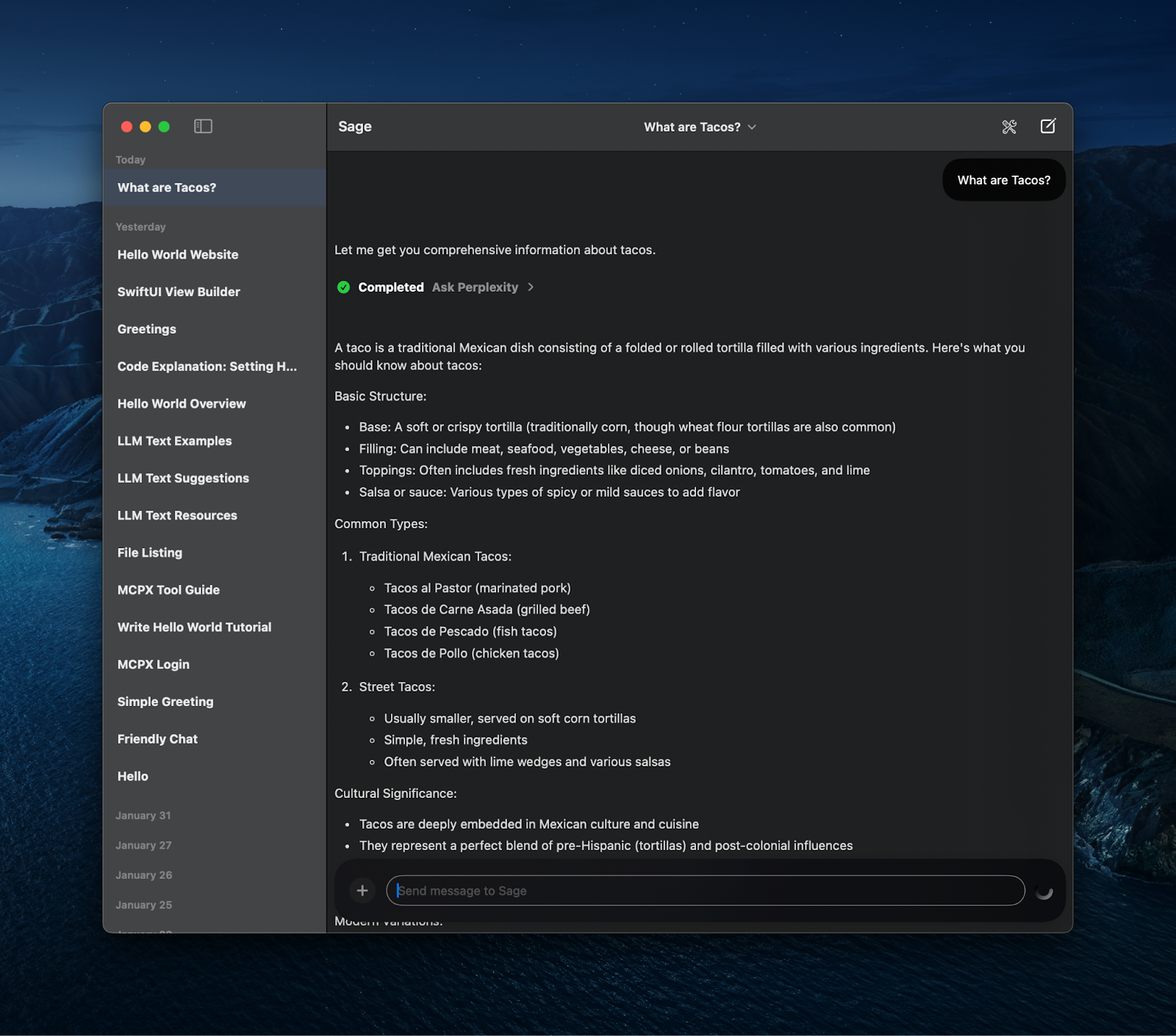
Instructions
You need to download and install Sage. Make sure uvx is installed on your machine; we’ll be using this stdio-based server in this recipe:
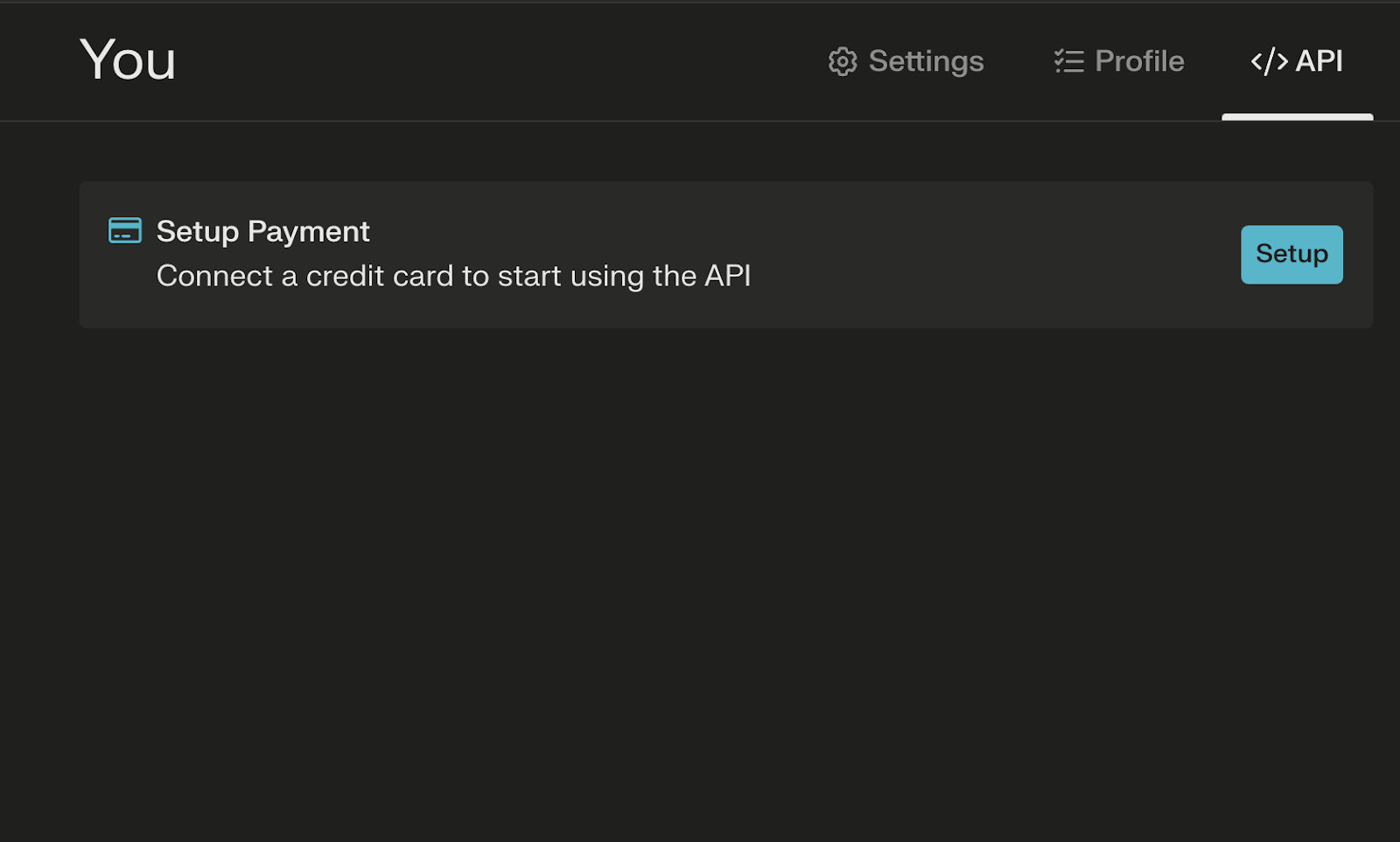
Go to https://www.perplexity.ai/pplx-api and add a payment method, if you don't have one already:
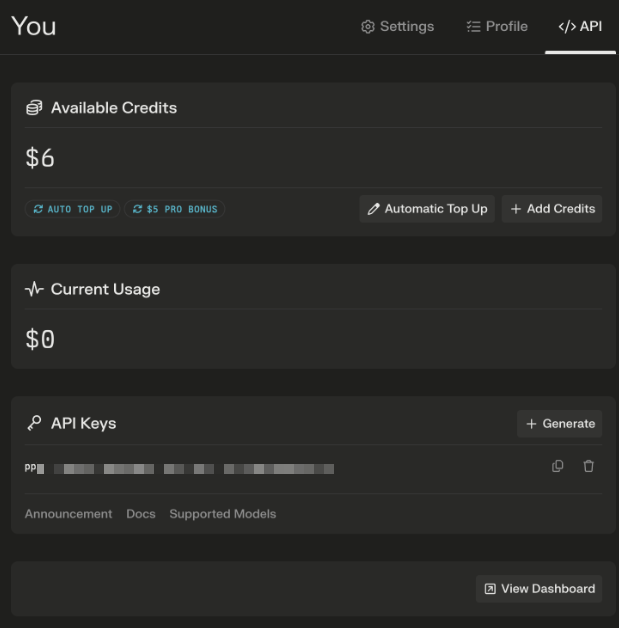
Under the API tab generate a Perplexity API key, save that key for the next step:
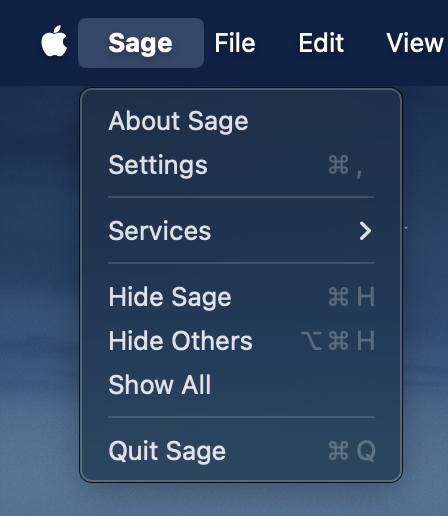
Open Sage, and then open Settings via the Sage menu or ⌘,:
Open Tools:
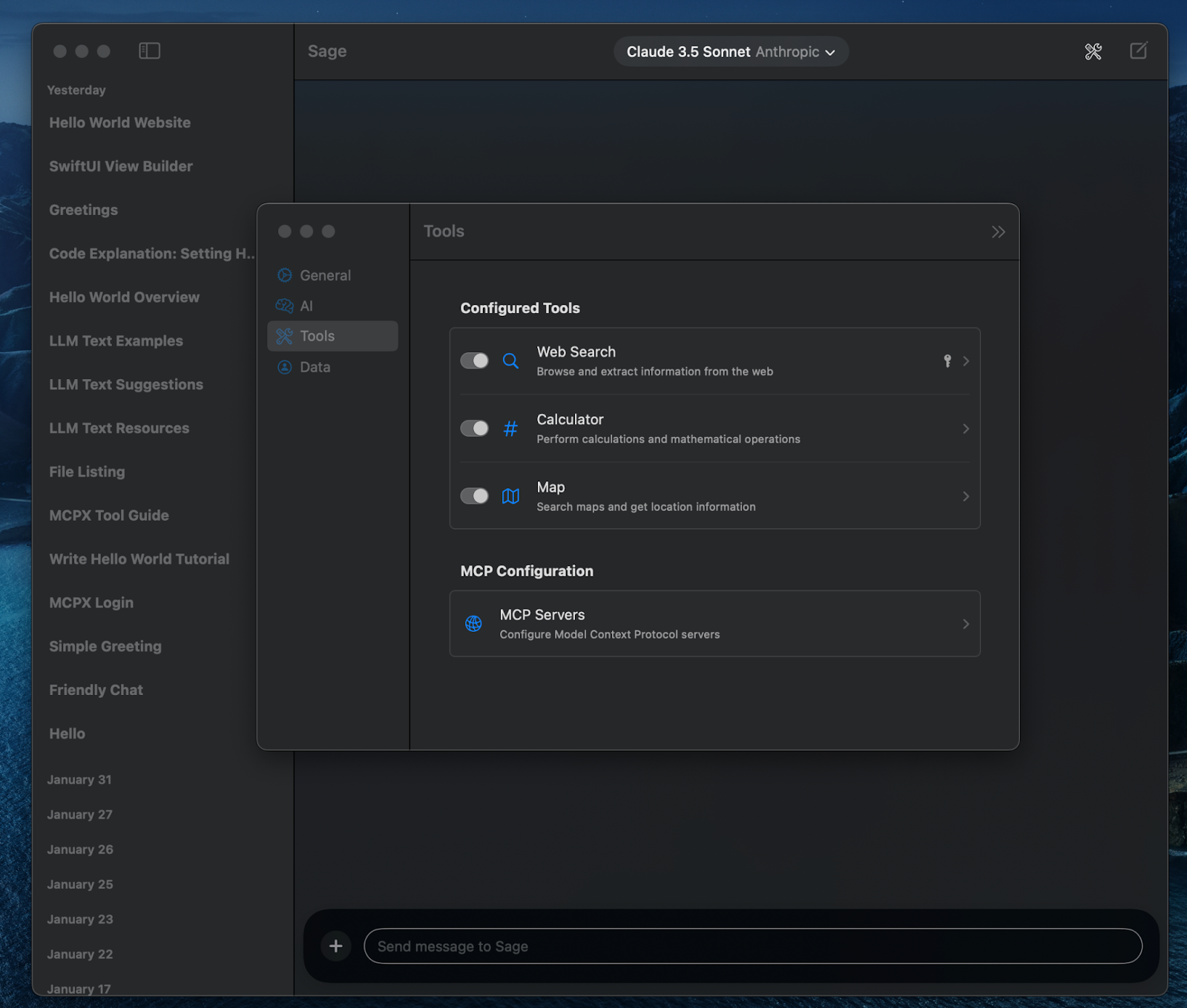
Open MCP Servers:
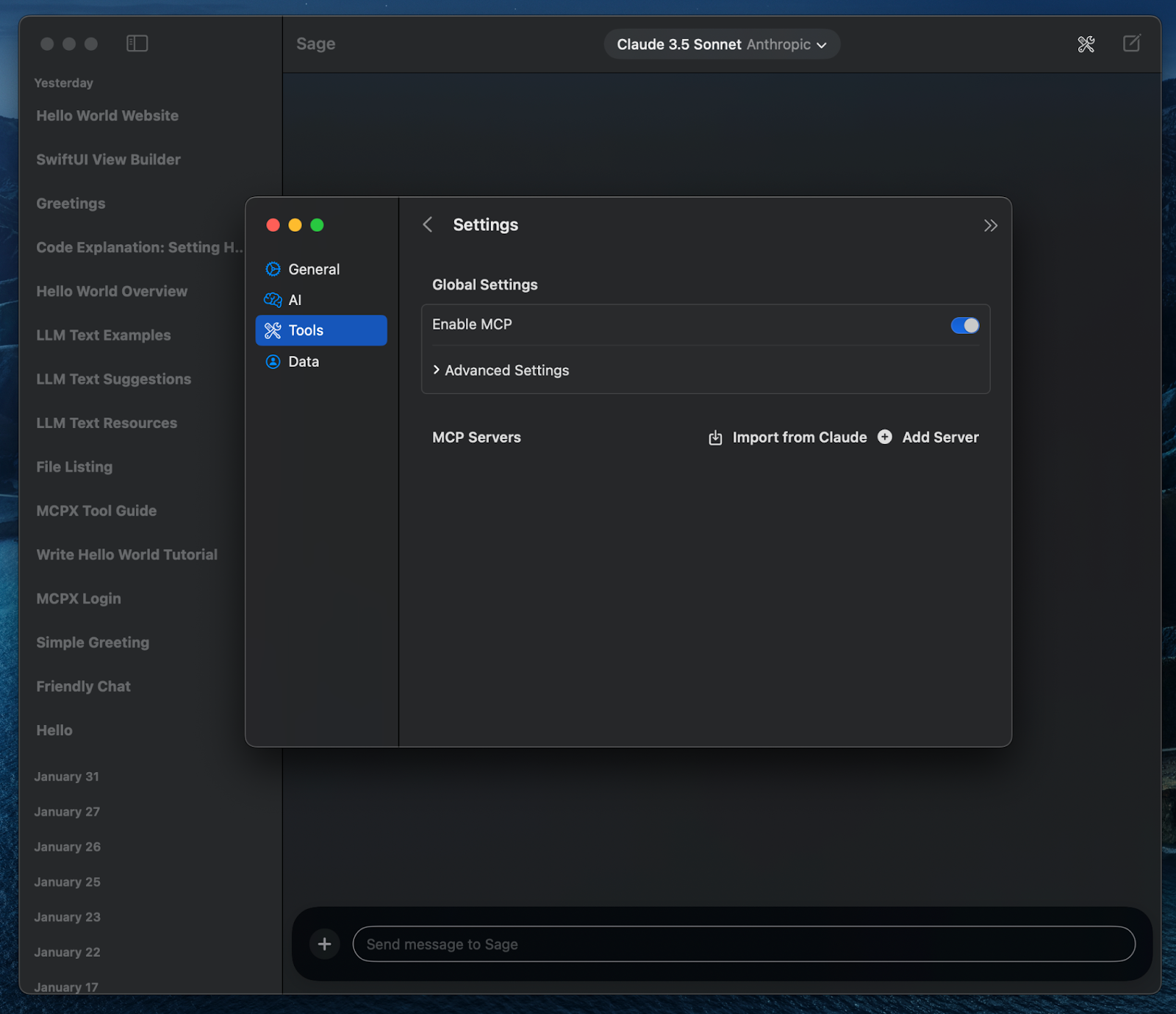
Click “Add Server”:
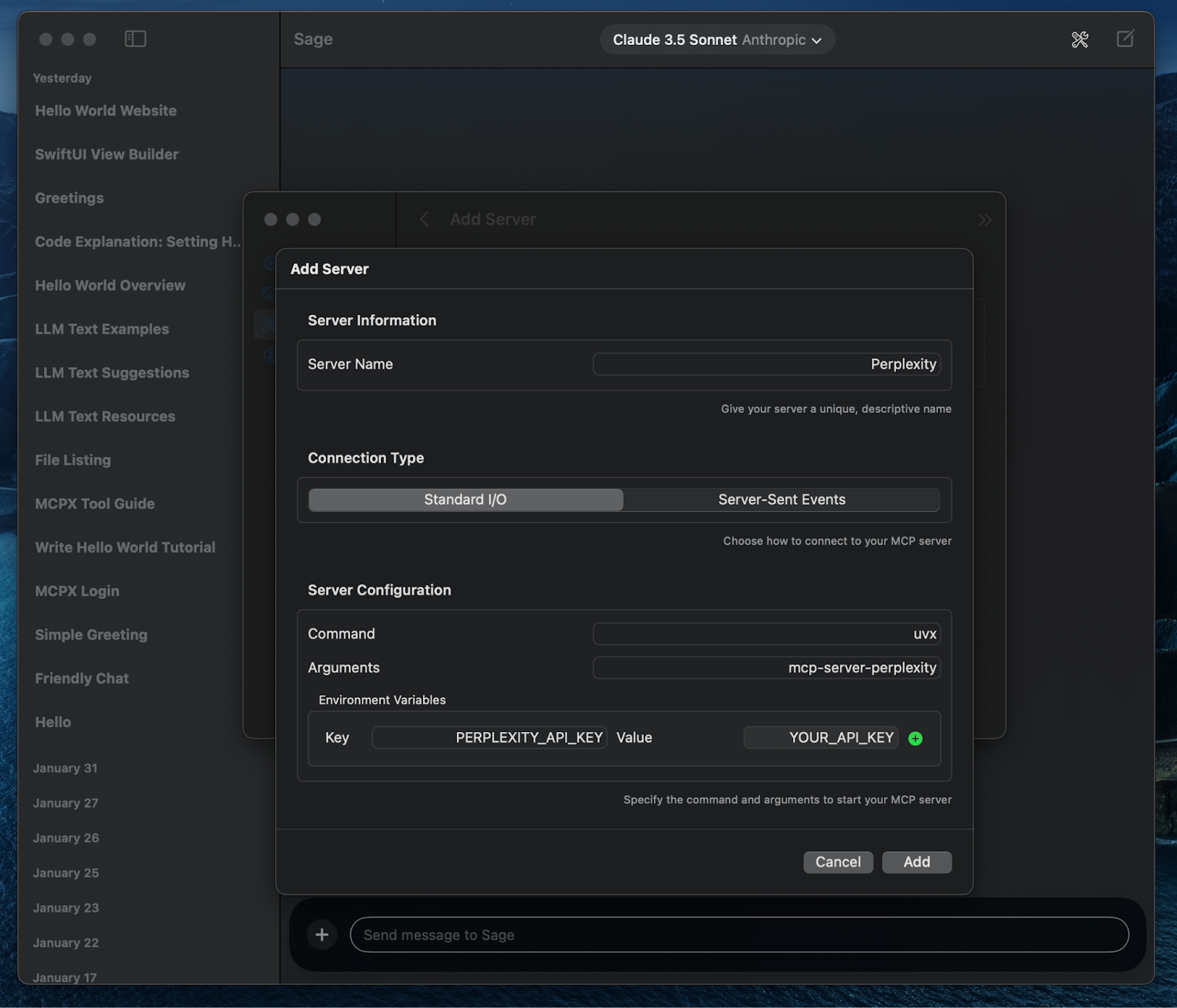
Fill out the form with the following information:
- Server Name:
Perplexity - Command:
uvx - Arguments:
mcp-server-perplexity - Environment Variable Key:
PERPLEXITY_API_KEY - Environment Variable Value: the API key you got from Perplexity earlier
Now you can ask questions, and Claude will smartly use Perplexity to help answer you! Try something like:
What are tacos?